
Setting Up Your Agrello Account: A Step-by-Step Guide
Account Creation
Creating your Agrello account is simple and straightforward. Here's how to get started:
- Visit our website and click on the prominent blue "Get Started" button or the "Log in" button in the top right corner.
- Alternatively, go directly to https://docs.agrello.io to open our app.
- Follow the on-screen steps to register your account.
You have three options to create an account:
- Use your Google account
- Use your Microsoft account
- Get a one-time login code sent to your email
How do one-time login codes work?
If you choose the one-time login code option:
- Insert your email
- You'll receive an email from us with the subject "Agrello: Validate your email"
- Copy the code from the email into the input field in the Agrello web app
- Provide your contact details when prompted
Once you've completed these steps, our system will automatically create a workspace for you, set up your first folder, and initiate your trial subscription.
Creating Your First Workspace
A new workspace will be created for you based on the company name you provided. You will be designated as the owner of this workspace.
Creating the First Folder
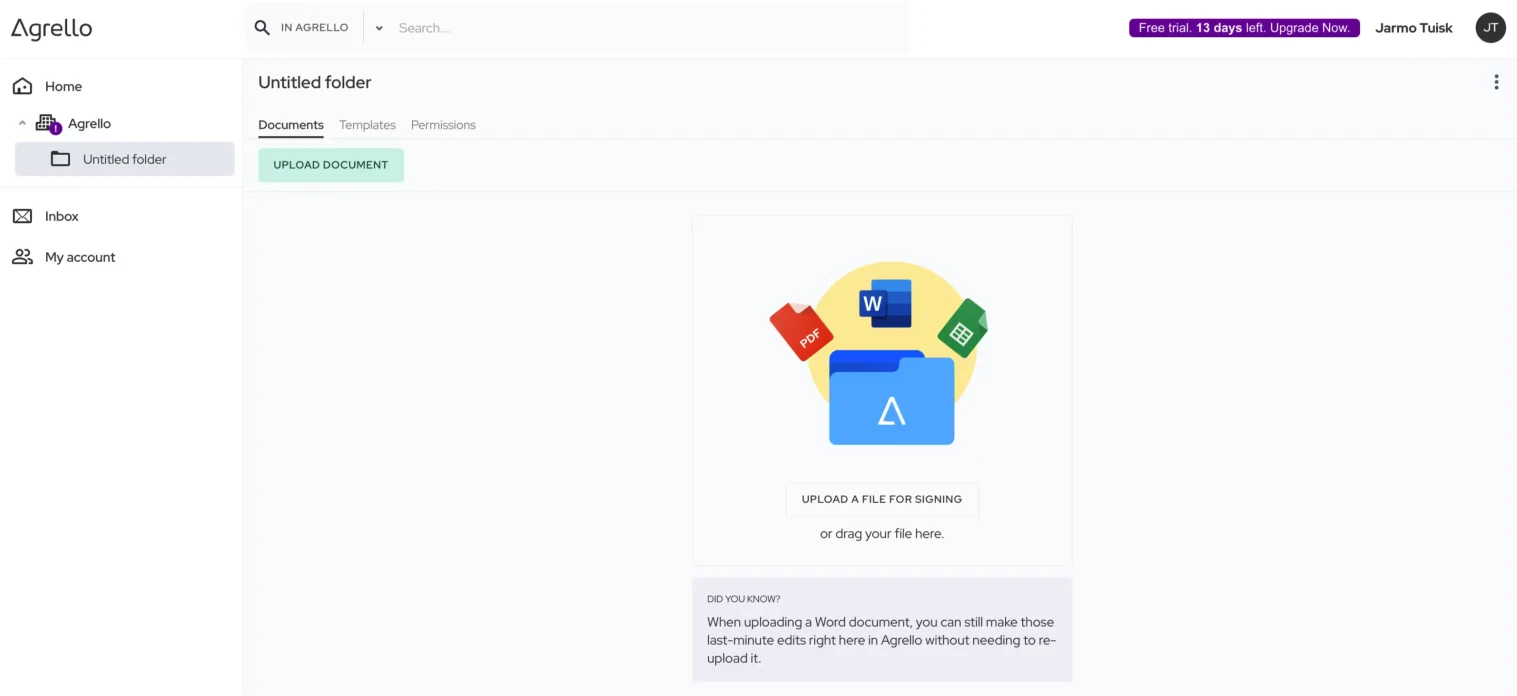
We will automatically create the first folder for you, allowing you to begin uploading your documents for signing right away.
Starting a Trial
Upon account creation, we will activate a 14-day free trial period for you. During this time, you can create and sign documents at no cost and explore the capabilities of our system. No credit card is required for trying out Agrello.
Ending a Trial and Starting Subscription
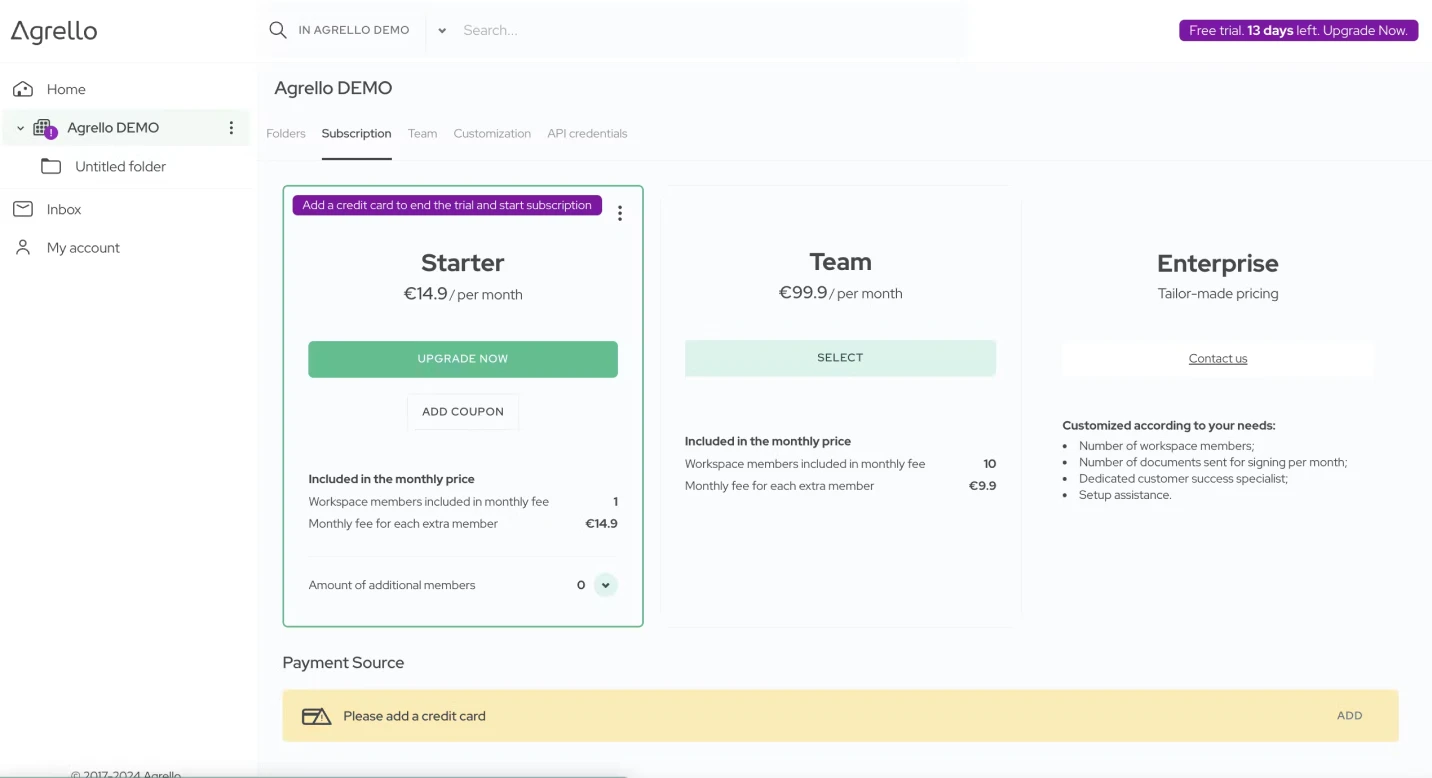
To end the trial period and initiate a subscription:
- Go to the Subscription screen by either:
-
- Clicking on the trial banner next to your name in the top toolbar, or
- Clicking on your workspace name in the left navigation pane and selecting Subscription
- On the Subscription screen, click on "Upgrade now"
- Enter your credit card details to activate your subscription
Once you've successfully entered your credit card information, we will bill your card for the first month of your subscription.
What Happens When Your Trial Ends Automatically?
If you haven't added a credit card, your trial will automatically end after 14 days. We will securely store your documents for a period of 12 months, and you can activate the subscription at any time by following the steps mentioned above to add a valid credit card.
How to Cancel Trial Early and Delete Account
If you want to end your trial early and delete your account:
- Navigate to the My Account screen
- Click on the "Delete account" button
Ready to get started?
Join Agrello and manage your contracts the smart way.