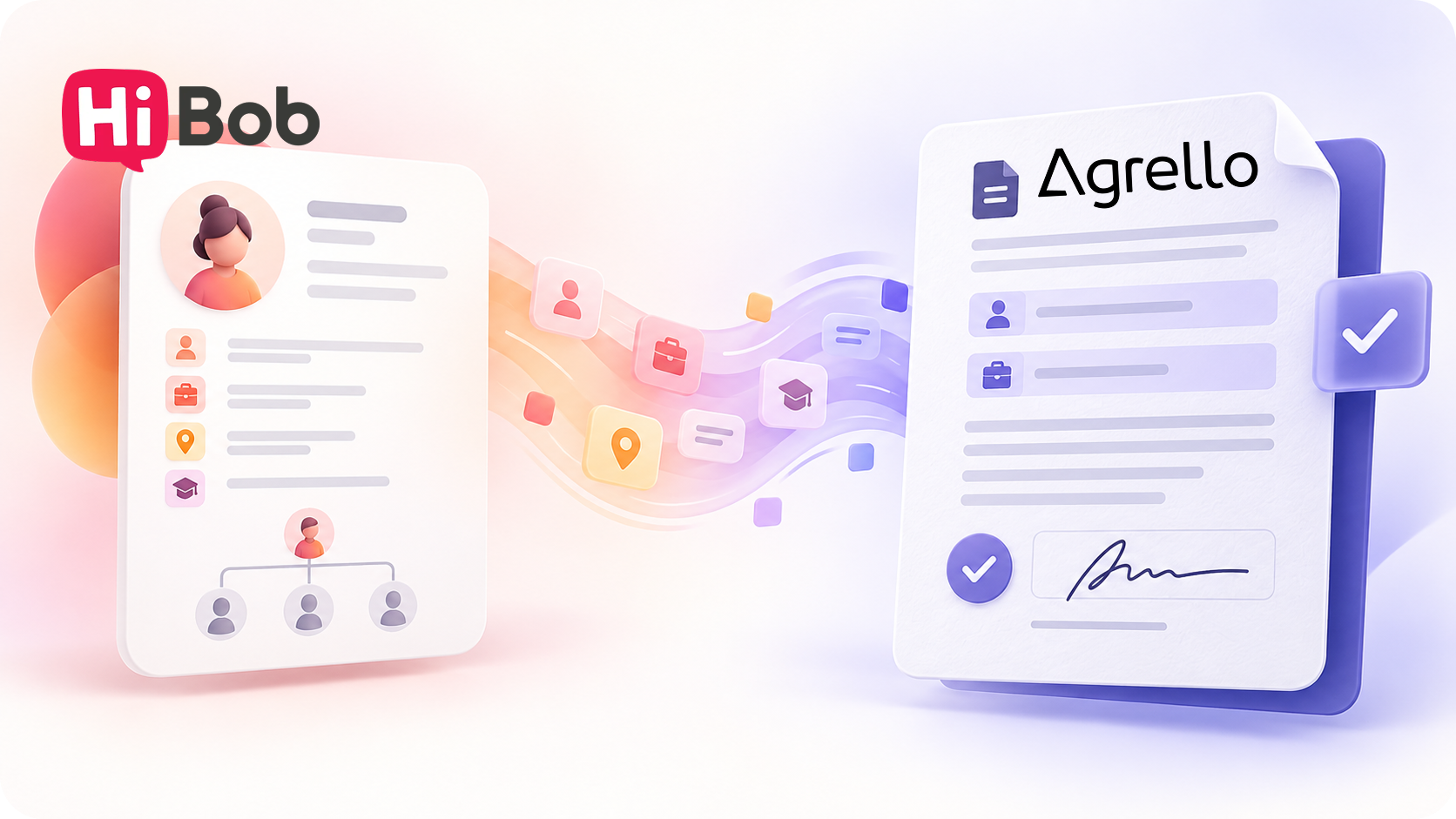
Create documents using HiBob employee data and export signed files back to the employee record.
Welcoming a new employee involves several important documents, including an employment contract and other onboarding paperwork. Preparing them can take time, especially when the employee’s details are already in HiBob but still have to be entered into the contract manually. The signed document may also need to be added to the employee’s profile as a separate task.
The HiBob and Agrello integration helps teams use employee data when preparing contracts and export the signed document back to a selected HiBob record after signing. This connects the workflow from employee data and document creation through signing and storage.
From employee data to an employment contract
Agrello can use employee data stored in HiBob to fill contract template fields. The HR team selects the HiBob integration in Agrello, searches for an employee, and creates a document using their data. The document can be reviewed and edited before it is sent.
If a required field is empty in HiBob, it will also be empty in the Agrello document. Before sending it for signing, check both the employee profile and the generated document.
How do you create a document?
After connecting HiBob and mapping the template fields:
- Open a suitable contract template in Agrello and select the HiBob integration.
- Choose the document output format and search for an employee in HiBob.
- Select the employee and create the contract.
- Check the imported data and complete the document if needed.
- Send the document for signing.
Agrello template fields are mapped to the corresponding HiBob data, such as the employee’s name, job title, or start date. Once saved, the same mappings can be reused to create future documents.
Send the signed document back to HiBob
Once signed, the document can be exported directly from Agrello to HiBob. Open the document’s more options menu and select Export to HiBob. In the popup, choose the destination and employee record, then click Export.
After the export, open the selected record in HiBob and go to its Documents section. The signed document will appear there with its original document name. This keeps employee documents with the employee’s profile without manually downloading and uploading the file again.
A smoother workflow for HR teams
When employee data in HiBob is complete and the Agrello template is set up correctly, there is less repetitive data entry. The HR team can use information that is already available, review the document before sending it, and add the final signed version to the employee’s HiBob record.
Before using the workflow, check that the required data is present in HiBob, the template fields are mapped correctly, and the right employee record is selected during export. This helps make document preparation and storage more consistent.
For detailed connection and usage steps, read the HiBob integration guide.
Ready to get started?
Join Agrello and manage your contracts the smart way.