
A week of manual work saved
Smarten Logistics uses reusable templates to create and sign recurring employment contracts. Bulk document creation saved its HR team a week of manual work.

Mari-Liis Kreem
HR Director, Smarten Logistics
DOCUMENT WORKFLOW PLATFORM
Generate documents from templates and business data, reduce repetitive work, and keep every agreement on track from start to finish.
Agrello keeps your document workflows simple, organized, and easy to follow. Know what's next and where every document stands, from start to finish.
1Connect
Connect Agrello with your existing business systems and use their data to prepare documents.
Map information from supported CRM and HR tools into reusable templates, so your teams can create documents without entering the same details again.
Use supported integrations such as Pipedrive and HiBob.
Define how business information populates document templates.
Select the relevant business record and prepare a document using its information.
Existing business data
CRM / HR
Reusable template
Mapped fields
Prepared document
Prepared with data
2Prepare
Turn your existing Word documents into reusable templates and create consistent, ready-to-send documents — individually or in bulk.
Turn the Word documents your team already uses into templates with fields for information that changes.
Fill in the required information through a guided form, and let Agrello place it into the document.
Generate personalized documents for many people at once using a single template and structured data.
Existing Word document
Reusable fields
Structured input
Names, dates, details
Personalized documents
One or hundreds
3Approve
Route documents to the right people for review and approval when needed, without moving files between email, chat, and separate tools.
Choose who needs to approve a document and in what order before it moves forward.
Track pending approvals and see who needs to take the next action.
Keep approval decisions, comments, and review activity connected to the document.
4Sign
Send documents for trusted electronic signing, manage who needs to sign, and track progress without chasing people for updates.
Let people sign using familiar electronic signing methods, including Smart-ID, Mobile-ID, ID-card, eParaksts, and others.
Choose who needs to sign and define the signing order when required.
See who has signed, who still needs to act, and when the signing process is complete.
5Complete
Keep signed documents organized, accessible, and connected to the systems your teams already use.
Keep signed agreements in a structured workspace with folders and access controls.
Search for documents and keep track of renewals, expirations, and other important dates.
Where supported and configured, send signed documents back to existing business systems or repositories.
CONNECTED WORKFLOW
Agrello keeps document preparation, approvals, signing, and completion connected, so your team can move work forward without switching between disconnected tools.
Documents, decisions, signatures, and progress stay together throughout the workflow.
Avoid repeatedly exporting files, sending attachments, and transferring documents between separate tools.
See where each document stands, what's already been completed, and who needs to take the next action.
Files and information move manually between tools.
One coordinated document process, connected to existing systems.
INTEGRATIONS
Agrello connects document workflows with the business tools your teams already use. Bring information into documents, automate workflow steps, and connect completed documents to other systems where supported.
Connect supported business applications, including Pipedrive and HiBob.
Use Zapier to connect Agrello with other applications and automate supported actions.
Build tailored connections between Agrello and your own business systems.

Smarten Logistics uses reusable templates to create and sign recurring employment contracts. Bulk document creation saved its HR team a week of manual work.
Mari-Liis Kreem
HR Director, Smarten Logistics
Borealis estimates that its team now spends around 70% less time preparing and signing contracts. It also manages documents in the same place.

Rutt Sõmerik
Sales Development Specialist, Borealis
vDisain automated its contract work and brought agreements into one place. Its teams can find what they need, work together more easily, and get contracts signed faster.

Emils Lejnieks
Latvian Division Lead, vDisain
PROTO’s HR team finds contracts easier to draft and manage with a clear, consistent process in Agrello. The team can also reach customer support when questions come up.
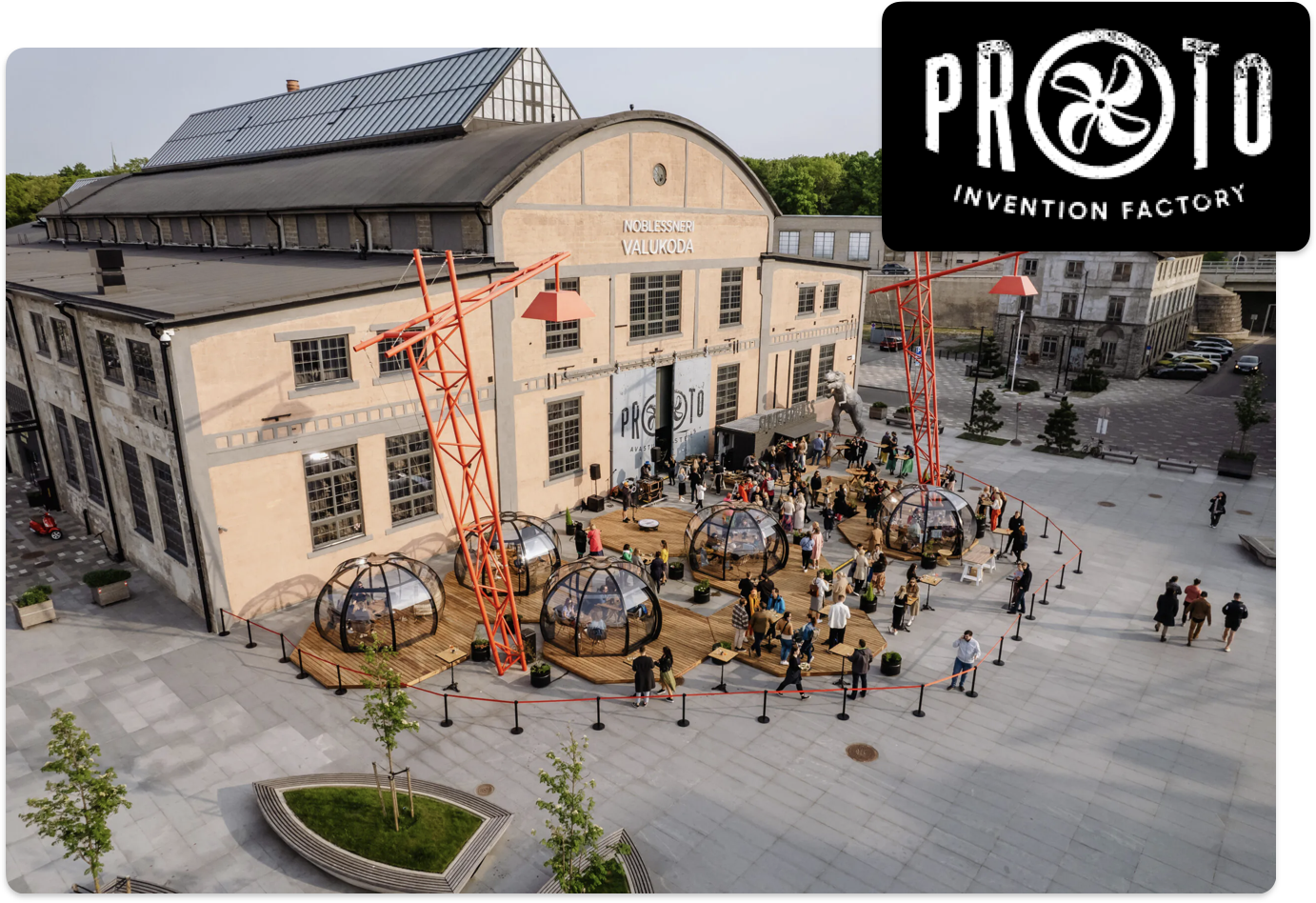
Ina Tepp
HR Manager, PROTO Invention Factory
Every business handles documents differently. Let's look at your current process and show how Agrello can connect preparation, approvals, signing, and completion.