Why Mobile Signing Is a Competitive Advantage
Mobile e-signature apps provide more than convenience - they enable business continuity. Professionals can review, approve, and finalize agreements instantly without returning to a desk, eliminating delays that can stall deals or operations.
Key mobile-focused benefits include the ability to sign documents offline, authenticate securely using biometrics such as Face ID or fingerprint recognition, and seamlessly switch between devices without losing progress. These capabilities are especially valuable for field teams, traveling executives, real estate agents, and sales professionals who must act quickly.
By removing location as a constraint, mobile signing transforms contracts into real-time workflows. Organizations that adopt mobile-first signing processes gain speed, responsiveness, and a measurable competitive advantage in fast-moving markets.
The Growing Need for Mobile Signing Solutions
The days of printing, signing, and scanning are rapidly fading. Efficiency drives the modern market. This shift is evident in the numbers. The global digital signature market was valued at USD 7.13 billion in 2024 and shows no signs of slowing down. Businesses are moving toward fully paperless environments to save time and reduce errors.
Mobile devices are the primary catalyst for this growth. Professionals demand the ability to close deals instantly rather than waiting until they return to the office. This demand is why the market is expected to reach USD 104.49 billion by 2032. The convenience of signing a PDF on a smartphone screen has transformed contract management from a chore into a quick task.
The United States is seeing similar rapid adoption. In fact, the U.S. digital signature market is expected to grow at a CAGR of 37.6% from 2024 through 2030. Companies that fail to adopt these mobile-first strategies risk falling behind competitors who can execute agreements in seconds.
Key Features to Look for in Mobile E-Signature Apps
Not all signing apps handle the constraints of mobile devices well. A great desktop experience does not always translate to a small touch screen. When choosing a tool for iOS or Android, you need specific features that cater to a smaller interface and variable connectivity.
You should prioritize the following capabilities:
-
Native Mobile Experience: The app should not just be a web browser wrapper. It needs to respond smoothly to touch gestures.
-
Offline Functionality: You may need to sign documents on a plane or in a remote area with spotty data. For a deep dive into how to handle documents when on the move, see Signing a Document on Your Mobile.
-
Biometric Security: Integration with FaceID or fingerprint scanners adds a layer of protection that is faster than typing passwords.
-
Document Scanning: The ability to use your camera to scan physical papers and convert them to signable PDFs is crucial.
Finding an app that balances these features ensures your workflow remains uninterrupted regardless of your location.
Cross-Platform Compatibility
Your team likely uses a mix of devices. An app that works flawlessly on an iPad must also perform well on an Android phone. Cross-platform support ensures that you can start a draft on your laptop and finish it on your phone without formatting errors.
Top-tier e signature apps synchronize data in real-time. If you add a signature field on your desktop, it should appear instantly on your mobile device. This continuity is vital for teams that collaborate on complex contracts. Learn more about broader e-signature technology and its recent evolution.
Offline Capabilities
Connectivity issues should never halt a deal. The best mobile apps allow you to download documents for offline access. You can sign, date, and save the changes while disconnected. Once your device reconnects to the internet, the app automatically syncs the completed document to the cloud.
This feature is particularly important for field service agents, real estate agents, and sales professionals who frequently work in areas with poor signal strength.
Security and Compliance
Signing on a mobile device must be as legally binding as signing with a pen. Security protocols like encryption and audit trails are non-negotiable. Major markets are expanding their legal frameworks to support this. For instance, the global digital signature market is forecast to grow at a CAGR of 40.1% from 2025 to 2032, driven largely by stricter compliance standards.
Look for apps that adhere to eIDAS (Europe) and ESIGN (USA) regulations. These frameworks ensure your digital signature holds up in court. Government bodies are also adopting these technologies. In the UK, adoption is starting to trickle into official processes, where 3,752 (0.63%) were issued electronically as e-Apostilles out of nearly 600,000 total apostilles last year. While the percentage is small, it signals a clear shift toward high-security electronic validation.
If you want details about meeting EU requirements, check out What is a Qualified Electronic Signature?.
Top E-Signature Apps for Mobile Workflows

Choosing the right tool depends on your specific needs. Some users need advanced API integrations, while others just want a simple way to sign a PDF. Below are some of the top contenders that excel in mobile environments.
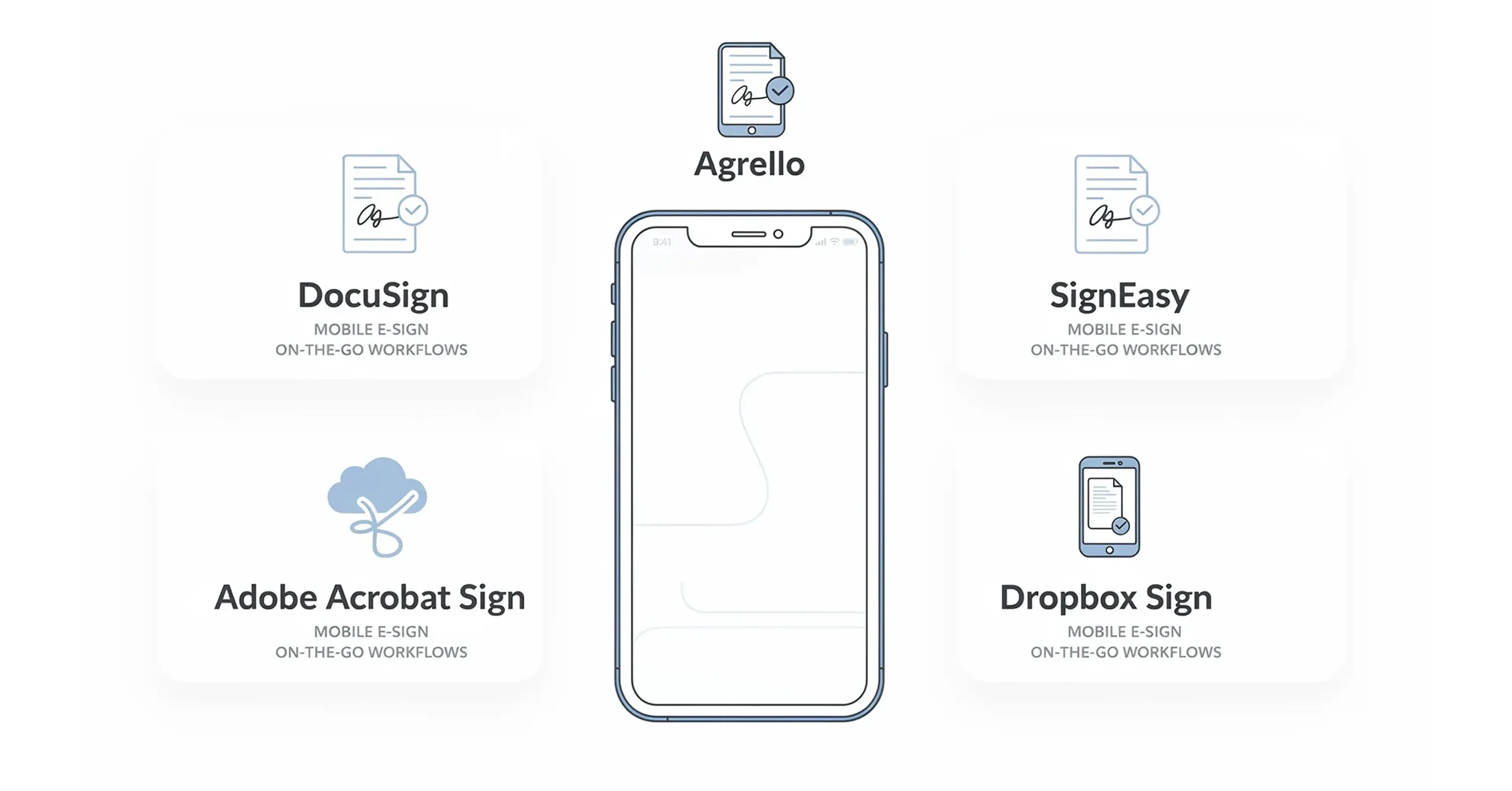
1. Agrello
Agrello stands out for its focus on user-friendly interfaces and robust digital signature capabilities. It bridges the gap between complex legal requirements and simple mobile usability.
-
Why it works on mobile: The interface is clean and intuitive, reducing the "fat finger" errors common on small screens.
-
Key Benefit: It allows for easy document creation and signing without overwhelming the user with unnecessary menus.
-
Best for: Teams that need a streamlined, efficient way to manage contracts and digital signatures without a steep learning curve.
Agrello helps you move beyond basic scribbles. It ensures that the signature process is tied to verified identities, which is essential for high-value contracts.
2. DocuSign
DocuSign is arguably the most recognized name in the industry. Its mobile app is highly polished and supports a vast array of integrations with tools like Salesforce and Google Drive.
-
Why it works on mobile: It offers a "responsive signing" feature that automatically adapts PDF text to fit your screen so you do not have to pinch and zoom constantly.
-
Best for: Enterprise companies that need heavy-duty compliance features and widely recognized validity.
3. Adobe Acrobat Sign
If your workflow lives and breathes PDF, Adobe is a natural choice. The mobile app integrates deeply with the entire Adobe ecosystem.
-
Why it works on mobile: The "Liquid Mode" makes reading complex PDFs on a phone much easier by reflowing the text.
-
Best for: Design and legal professionals who already subscribe to Adobe Creative Cloud or Document Cloud.
4. SignEasy
SignEasy creates a simplified experience that focuses purely on getting the document signed with zero friction.
-
Why it works on mobile: It is lightweight and fast. It includes excellent support for opening documents directly from email attachments or cloud storage.
-
Best for: Freelancers and small business owners who want a no-nonsense tool.
5. Dropbox Sign (formerly HelloSign)
Dropbox Sign is an excellent option for users who heavily rely on Dropbox for file storage.
Mobile vs. Desktop Workflows
Understanding when to use your phone and when to sit at a desk can save you hours of frustration. Mobile workflows prioritize speed and execution, while desktop workflows favor creation and review.
You should use your desktop for:
-
Drafting complex legal clauses.
-
Setting up templates with multiple conditional fields.
-
Reviewing long contracts that require side-by-side comparison.
You should use your mobile device for:
-
Approving urgent requests while traveling.
-
In-person signing scenarios where you hand the device to a client.
-
Quick status checks to see who has signed a document.
Agrello supports this hybrid approach effectively. You can prepare a contract template on your desktop where you have a full keyboard and mouse, then send it out. Later, you or your client can sign it instantly via the mobile interface. This separation of duties ensures you get the precision of a desktop and the speed of mobile.
For more workflow tips and the eco-friendly benefits of digital processes, read about the environmental impact of e-signing.
Security Considerations for Mobile Signing
Security on mobile devices faces different challenges than on secured office networks. Phones are easily lost or stolen, and public Wi-Fi networks are often insecure. Therefore, the app you choose must have intrinsic security measures that do not rely solely on the device itself.
Your e-signature app should offer:
-
Two-Factor Authentication (2FA): Requiring a code sent to a different channel before accessing the app.
-
Audit Trails: A detailed log of who signed, when, and from which IP address.
-
Local Encryption: Ensuring that downloaded documents are unreadable if the device is compromised.
For a detailed checklist and security explanations, review Are Your Digital Contracts Secure? A Look Into E-signature Security.
Never rely on basic image-pasting tools for business contracts. Pasting a JPEG of your signature onto a PDF offers no legal protection and no audit trail. Always use dedicated e signature apps that cryptographically bind your identity to the document.
What Defines a Top-Tier Mobile Signing App?
A top-tier mobile e-signature app combines legal compliance with a mobile-first user experience. It must offer biometric authentication for security, offline capabilities for remote work, and responsive document rendering so users do not have to pinch-and-zoom to read terms. The best apps seamlessly synchronize with cloud storage and desktop counterparts, ensuring that a contract started in the office can be legally executed from a smartphone anywhere in the world.
Conclusion
The shift toward mobile business is undeniable. With the market for digital signatures growing rapidly, having a reliable tool in your pocket is no longer optional. Whether you choose a heavyweight like DocuSign or a user-centric platform like Agrello, the goal remains the same: speed, security, and efficiency.
Equipping yourself with the right mobile e-signature app ensures you never delay a deal because you are away from your desk. Evaluate your workflow, test a few options, and select the one that makes signing feel like a seamless part of your day rather than an administrative hurdle.