News and Insights

Stay up to date with the latest trends, industry insights, and expert knowledge

Blog Posts

Close-up of professional woman with text “How do electronic signatures work?” representing digital signing process and e-signature technology

How do electronic signatures work?

You have probably signed a digital document recently - clicked a link, typed your name, or scribbled a signature and pressed “Finish.” It felt quick and effortless. But for managers responsible for important contracts, that simplicity can raise a key question: what actually happened behind the scenes? This article explains how electronic signatures secure documents, verify identity, and create a legally reliable record - in clear, non-technical terms.

Professional woman using digital signature software to quickly sign and send documents online

What’s the fastest way to sign and send documents online?

Paperwork bottlenecks quietly drain productivity in growing companies. If you still print, sign, scan, and email documents, you are wasting hours on a process that should take seconds. This guide shows how to modernize approvals with secure digital tools, mobile signing, and an automated digital signing workflow that works without heavy IT support.

Smiling professional woman signing a document digitally, illustrating how to create a digital signature in Microsoft Word

How to create a digital signature in Microsoft Word

Printing a document just to sign and scan it back is unnecessary. Microsoft Word lets you approve contracts and internal documents directly on your screen using built-in signature features. This guide shows how to create a digital signature in Word, add signature lines, apply document protection, and manage multiple signers. It also explains when Word’s native tools are enough and when a certified external solution is needed for legally critical documents.

Business professionals discussing document security as AI tools detect and prevent forged digital signatures

How can AI detect and prevent forged digital signatures?

You have likely signed dozens of contracts this year without touching a pen. While this speed is great for business, it creates a nagging worry for department heads and process owners. If you can sign a document in seconds with a click, how hard is it for a fraudster to do the same in your name? This article breaks down exactly how artificial intelligence acts as a digital gatekeeper for your contracts. We will look at how AI moves beyond basic security checks to analyze behavior, spot visual tampering, and verify identity in real time. You will learn how modern tools protect your HR, Sales, and Operations documents without requiring a massive IT overhaul.

A professional stands before a whiteboard diagram with text explaining PAdES, XAdES, and ASiC digital signature formats

What are PAdES, XAdES, and ASiC signature formats?

You may have seen unfamiliar acronyms like PAdES, XAdES, or ASiC when signing documents digitally. This guide explains the three main EU e-signature formats in simple terms and shows when each should be used. By the end, you’ll know how to choose the right format to keep your contracts compliant, secure, and future-proof.

A professional woman in an office setting is featured alongside text about creating a legally binding e-signature for digital document signing

How do I create a legally binding e-signature?

Moving your contract process from paper to digital brings speed and efficiency, but it often brings a nagging question along with it. You might find yourself asking whether a digital agreement will actually hold up in court if things go wrong.

This guide breaks down exactly what makes an electronic signature valid, secure, and enforceable, particularly for companies operating within or doing business with the EU. We will walk through the essential components of alegally binding e-signature, including the critical role of identity verification, the importance of detailed audit trails, and how regulations like eIDAS shape the landscape. By the end, you will understand how to implement a signing process that provides peace of mind and keeps your operations compliant.

A business team collaborates at a whiteboard while discussing the difference between electronic and digital signatures, highlighting use cases, security, and compliance in modern workflows

What’s the difference between electronic and digital signatures?

You have probably signed a dozen documents online this year. Maybe you clicked a box to accept terms of service or scribbled your name on a tablet when receiving a package. But were those electronic signatures or digital signatures?

Most people use these terms interchangeably. In casual conversation, that is fine. In the world of business, law, and security, however, the distinction is massive. Mixing them up can leave your contracts vulnerable or your compliance data incomplete.

This guide clears up the confusion. We will break down exactly how these two methods differ, from the technology powering them to their legal standing in court. By the end, you will know exactly which type of signature your specific workflow requires.

A professional woman in an office setting represents how to make a free e-signature online safely using secure digital signing tools

How can I make a free e-signature online safely?

Sending a document for a signature used to mean printing, signing, scanning, and emailing it back. Now you can sign a PDF or contract in seconds using a web browser or mobile app, but doing so without costing a penny or compromising your private data requires knowing which tools to trust.

This guide explores the specific steps to generate a legally binding signature without a subscription while keeping your personal information secure. You will learn the difference between simple electronic signatures and secure digital signatures, compare the most reliable free tools available today, and understand the security protocols that keep your documents safe. We will also look at common red flags in "completely free" software so you can avoid data leaks or fraud.

A professional team discusses how to create a secure e-signature online in a modern office setting, illustrating collaboration around digital document signing solutions

What’s the easiest way to create a secure e-signature online?

Have you ever needed to sign an urgent contract but found yourself without a printer or scanner? You are not alone; the old "print, sign, scan" routine is fading fast in favor of digital solutions. Creating a signature online is not only faster but can be far more secure than traditional paper methods if you follow the right steps.

In this guide, we will walk through the simplest methods to create a secure e-signature online. You will learn how to select a trustworthy platform, verify your identity effectively, and apply a signature that holds up legally. We will also cover common pitfalls to help you avoid invalidating your important documents.

A professional portrait-style header image illustrating a guide on digital signing certificates, explaining what they are and how to issue a trusted digital certificate for secure document signing

Digital Signing Certificates: What They Are & How to Issue One (2025)

Not all electronic signatures offer the same level of security or legal weight. If you need to prove your identity with certainty and protect a document from tampering, a simple on-screen signature is not enough. That is where a digital signing certificate comes in - a verified digital ID for high-trust transactions. This article explains what a digital signing certificate is, how it works, how to obtain one, and how to manage it safely. By the end, you will know how to secure your digital identity and apply legally reliable signatures to your most important documents.

Team members in a modern office illustrating how to generate a digital signature automatically with AI-powered e-signature solutions

How do I generate a digital signature automatically with AI?

Manual signatures act as a bottleneck for fast-moving businesses. You likely waste hours chasing approvals, verifying identities, and managing paperwork instead of focusing on high-value tasks.


This guide explains how to use AI to generate digital signatures, automate identity verification, and streamline your entire agreement process. You will learn how artificial intelligence handles the complex background work—like cryptographic keys and compliance checks—so you can sign documents instantly and securely.
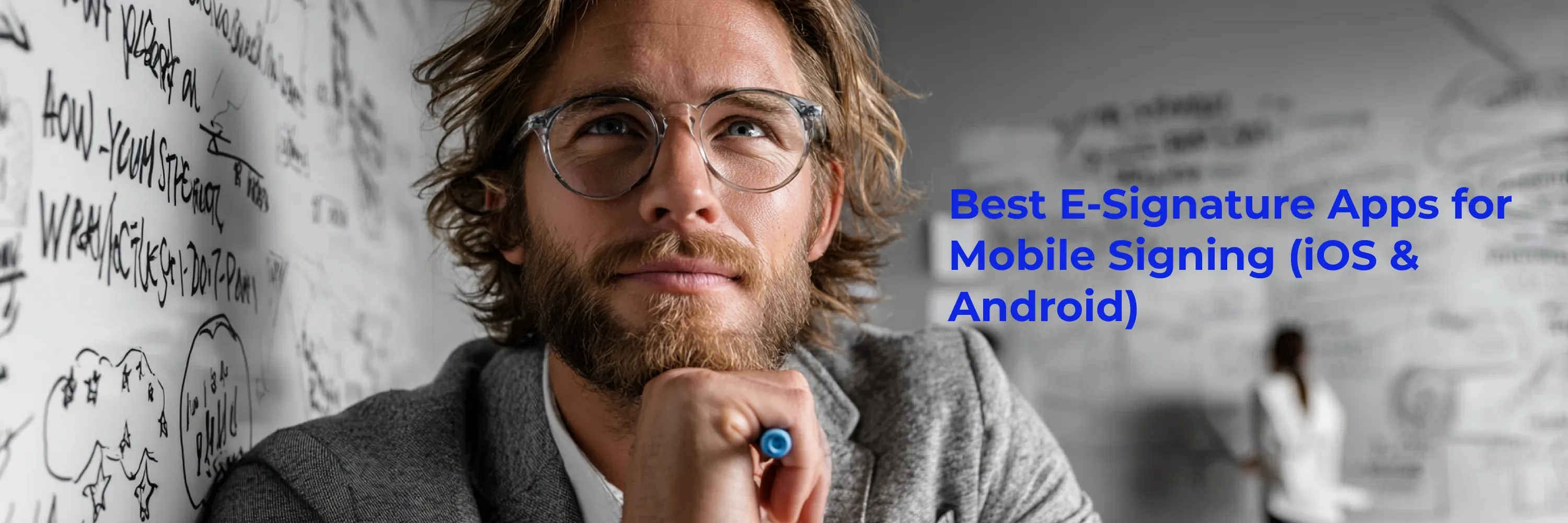
Professional reviewing mobile e-signature solutions with a focus on the best e-signature apps for mobile signing on iOS and Android devices

Best E-Signature Apps for Mobile (iOS & Android, 2025)

Business doesn't stop just because you stepped away from your desk. Whether you are at a construction site, in a client’s lobby, or commuting between meetings, the ability to sign documents immediately is a competitive advantage you cannot ignore.

This article explores the most effective mobile tools for handling contracts on the go. You will learn which apps offer the best balance of security and ease of use, how mobile workflows differ from desktop setups, and why offline capabilities are critical for modern professionals.

Team collaborating at a whiteboard illustrating how AI helps automate document signing workflows and improve business efficiency

How can AI help me automate document signing?

Managing contracts manually often feels like herding cats. You spend hours chasing signatures, correcting simple errors, and wondering which inbox a critical agreement is stuck in. Artificial intelligence has changed this dynamic entirely by turning a passive administrative task into an active, self-managing workflow.

Young professional smiling next to text highlighting the best digital signature tools of 2025 with a focus on security and compliance comparison

Best Digital Signature Tools for Security & Compliance (2025)

Two things keep legal teams and IT managers up at night: data breaches and slow paperwork. A modern digital signature tool promises relief on both fronts, but which brand truly locks your documents down without slowing your workflow? This guide highlights a security-focused comparison of the most trusted digital signature tools on the market, evaluating each platform based on encryption strength, regulatory compliance, identity verification, and data protection capabilities. Below we compare 2025’s most security-centric platforms, spotlighting encryption strength, compliance badges, and real-world pricing. By the end, you will know exactly which solution fits your risk profile and budget.

A professional smiling man writes on a glass board, illustrating the concept of electronic signatures, their legal meaning, and real-world business use cases

Electronic Signature: Definition, Legal Meaning & Use Cases (2025)

An important contract lands in your inbox. You need to sign it before the close of business, but you are nowhere near a printer or scanner. Electronic signatures turn that frantic scenario into a two-click task. Yet, many people still ask: what exactly counts as an electronic signature, and is it really legal?

Below you will find a clear, jargon-free answer, together with the laws that make e-signing enforceable, practical examples, and tips for selecting the right solution.

A group of professionals reviewing and signing documents at a table, illustrating real-world electronic signature use cases in a business setting

Electronic Signature Examples: Real Documents & Correct Use Cases (2025)

Figuring out how an electronic signature should actually look can feel vague. You need proof that courts accept it, screenshots that show the right elements, and clear situations where it really works. Modern tools make it easier than ever, but only if you know what a valid electronic signature example contains. Let’s fix that.

A professional man holding a marker in front of a whiteboard next to a headline explaining whether typed signatures are legal, with examples

Are Typed Signatures Legal? Full Guide & Examples (2025)

A lot of people still wonder if typing their name at the bottom of a PDF or email actually counts as “signing.” The short answer: in most countries, a typed signature can be just as binding as ink on paper, provided you meet a few simple rules. Below you will find the legal grounds, common pitfalls, and practical steps for using a typed signature with confidence. You will also see how services like Agrello streamline the process while keeping you compliant.

A smiling woman writing on a whiteboard next to a headline about 12 must-have eSignature tools for teams and enterprises.

12 Must-Have eSignature Tools for Teams & Enterprises (2025)

A single contract stuck in someone’s inbox can stall deals, revenue, and customer trust. Strong esignature tools erase those bottlenecks, letting teams move documents from draft to “signed and done” in minutes - without printing or chasing anyone for a wet signature. Below you will find a hand-picked list of 12 solutions that cover templates, automated workflows, compliance, and integrations large organizations rely on every day.

Smiling professional standing in front of a whiteboard with cloud sketches and text introducing the definition, meaning, and examples of electronic signatures

What Is an E-Signature? Definition, Examples & Legal Meaning (2025)

Electronic paperwork promises speed, but it raises one simple question: how do you “sign” something you never print? That’s where the e-signature steps in, replacing ink with a few clicks and a secure digital record. Below you will learn exactly what counts as an e-signature, how it differs from a digital signature, where the law stands, and what real-life examples look like. By the end, you will know how to pick a solution that keeps both you and your counter-parties happy.

Smiling woman sitting at a desk in the office against a whiteboard with notes, hand placed text about step-by-step creation of a contract template in DocuSign

DocuSign Contract Template: Step-by-Step Guide (2025) New Meta

Every time you manually prep the same contract, you burn minutes that should go to real work. A reusable DocuSign template fixes that by dropping the agreement, fields, and routing rules in place with one click. Below is the exact playbook you need.

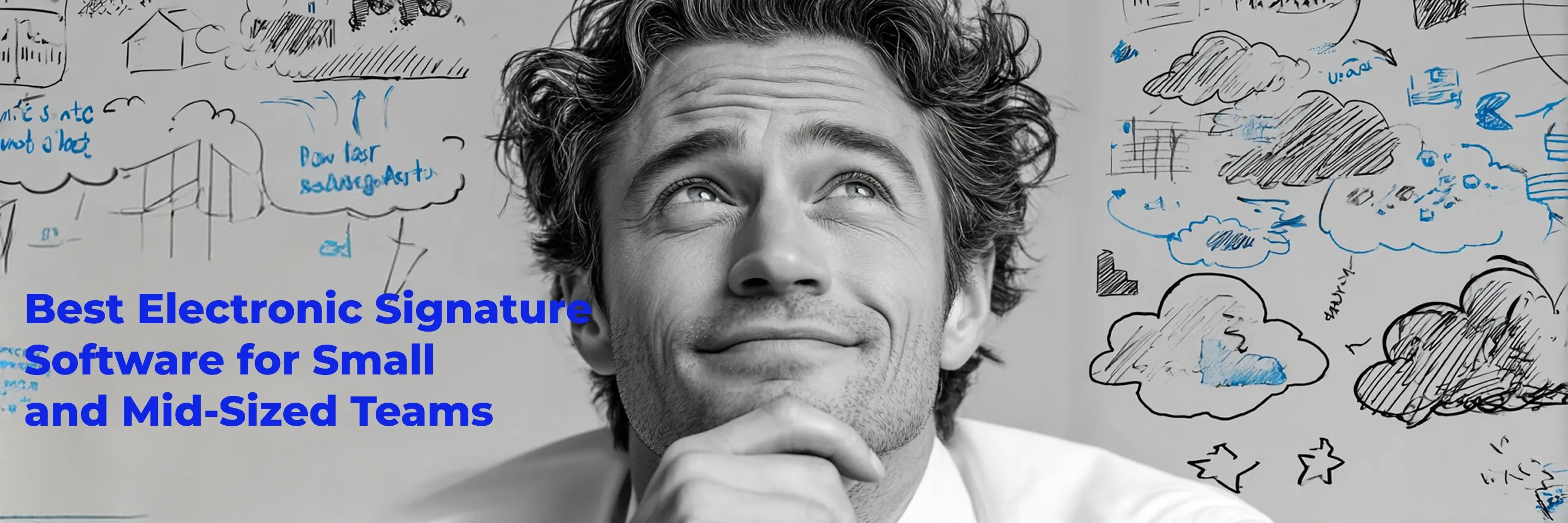
A man looking thoughtfully upward with sketched blue clouds in the background next to the title about choosing a digital signature service

How to Choose the Best Digital Signature Service for Your Organization (2025)

Signing on paper is slow and risky, and choosing a digital signature tool can feel just as overwhelming. This guide gives you a simple, clear process to compare solutions, stay compliant, and save time across your organization.

A woman smiles thoughtfully in a modern workspace while a headline about certified digital signatures appears beside her

Certified Digital Signature: Legal Meaning & How to Get One (2025)

A signature scribbled with a mouse is no longer enough. When contracts move millions, parties want iron-clad proof that the signer is who they claim. That is exactly the peace of mind a certified digital signature delivers. Below, you will learn what “certified” really means, how it differs from a regular e-signature, and the simple steps to obtain one for yourself or your organization.

Image representing the content card

Best Electronic Signature Services for Businesses (2025 Comparison)

Electronic signatures are now a board-level priority, and companies must choose the right delivery model. Whether you use plug-and-play SaaS, embed electronic signature services via API, or run an on-premise setup, the right choice depends on your workflows. Quick note: we use “electronic” and “digital” signatures interchangeably here.

Image representing the content card

Electronic Signature Programs Explained: Benefits & Top Features (2025)

Agreements stall, deals wait, and paperwork piles up because someone still has to print, sign, and scan. Electronic signature programs erase that bottleneck, letting people sign from anywhere in seconds. Below is a clear look at what these programs do, why regulations back them, and how companies large and small put them to work every day.

A smiling woman sits indoors while text beside her reads “How to Use a Digital Signature Generator Free & Paid Tools).”

Digital Signature Generator: Free & Paid Tools Guide (2025)

Digital contracts move fast, but signing can still slow things down. A digital signature generator - especially free online tools - lets you add a legally binding signature in seconds without printing or scanning.

A group of three people sit together in a meeting room discussing a DocuSign demo, with laptops open and a whiteboard behind them

DocuSign Demo Guide: What to Expect & How to Prepare (2025)

Struggling to picture how a DocuSign demo actually works? You are not alone. Getting a clear feel for the flow, settings, and prep steps can save you hours once you roll the platform out company-wide. Below, you will see exactly how a DocuSign demo unfolds, which screens appear, and what to prepare before you hop on with the sales engineer.

A smiling woman holding a blue pen stands in front of a whiteboard with hand-drawn clouds, stars, and the text “Top eSignature Platforms Compared

Top eSignature Platforms Compared for Teams & Businesses (2025)

Choosing among many esignature platforms can be overwhelming when every team has different needs. The goal is to find a tool that matches your security, integrations, and budget without extra complexity. Here’s a quick guide to help you choose the right esignature platform fast.

A smiling man stands beside a whiteboard covered with doodles of clouds, stars, and the hand-written title “How to Add a Digital Signature in Microsoft.”

Add a Digital Signature in Microsoft Word (Step-by-Step Guide 2025)

Adding a digital signature in Word is no longer a “nice-to-have.” With more than 12.4 million Vietnamese adults now using digital signatures and India’s market forecast to hit $5.5 billion by 2030, signing electronically has become standard business practice. Luckily, Microsoft Word 2025 makes it easy.