How should HR test the template?
Generate real documents from deliberately chosen test cases before anyone sends one to a candidate. Five categories cover most of what breaks. They include a standard case and one using every optional field. One with required fields missing and one with maximum-length values are two more, as is one with inputs that contradict each other.
Check each output against four things. The clause text must match the approved source word for word and the layout must hold. The signer routing must hit the right people in the right order, and the merged values must match the source record rather than looking plausible.
That last check matters more than it seems. A Gartner survey of 497 controllership staff conducted in July 2023 found 18% made financial errors at least daily, with capacity pressure as the driver. Automation inherits that pressure rather than removing it, because a wrong salary in a spreadsheet row now reaches a signed contract without a human reading it first.
Automation requires controlled maintenance
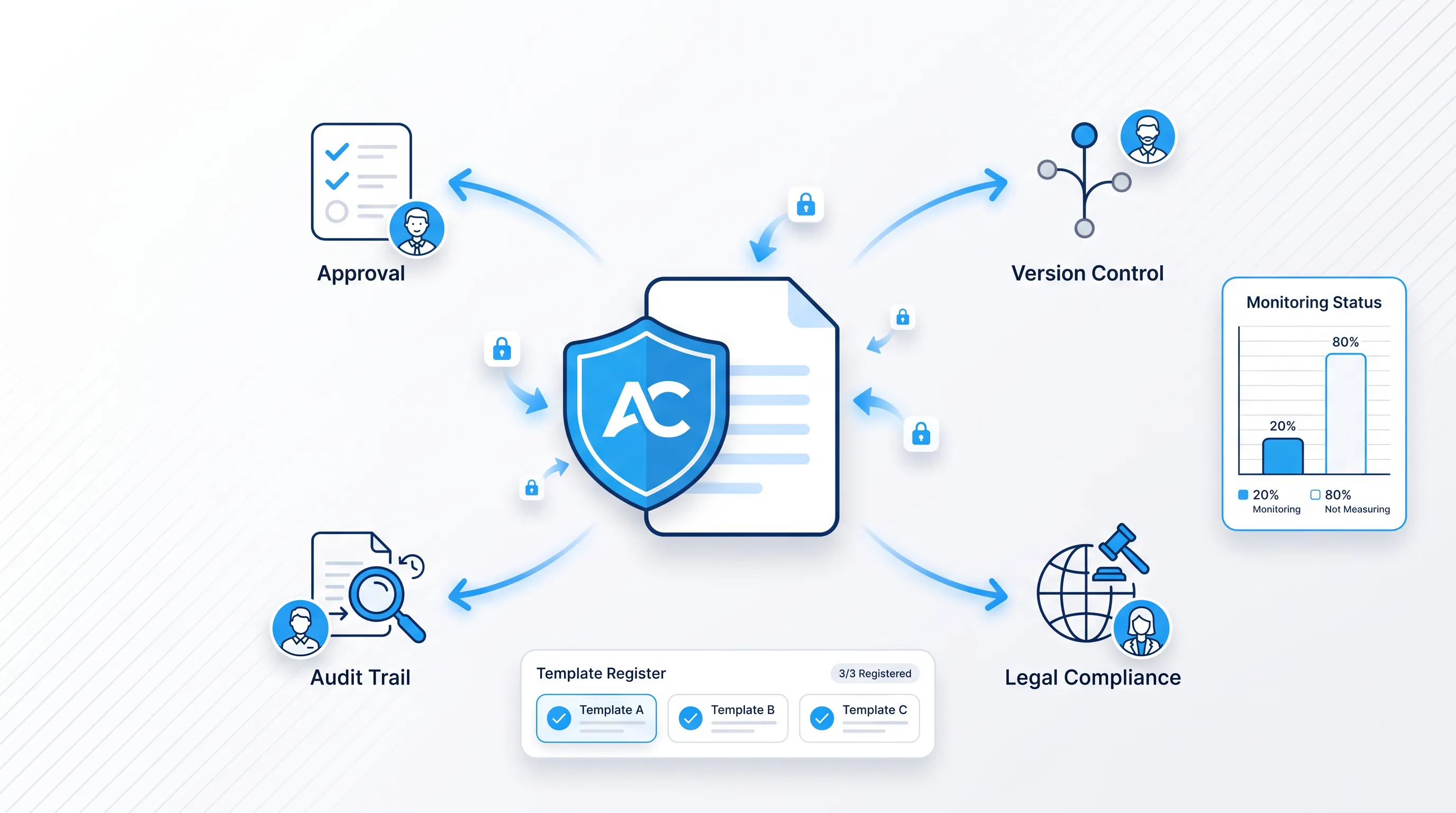
Keep exactly one approved master file, and give every release a version name that appears in your register. Change records explain what moved and why, and regression tests confirm old cases still generate correctly. A rollback copy of the previous version stays reachable.
Five events should trigger a review:
-
Legal or regulatory changes affecting employment terms
-
Internal policy changes to probation, benefits, or notice periods
-
Brand or letterhead updates
-
Workflow changes to signer roles or approval routing
-
Platform updates that alter field behavior or rendering
Deloitte's research with World Commerce & Contracting put average contract value erosion at 8.6%, with the worst performers above 20% and the best near 3%. The gap between best and worst is whether anyone owns the artifacts between reviews, and an unmaintained template quietly moves a team toward the wrong end of that range.
Is the template ready for automation?
Run the checklist below. Each line gets one of three outcomes, from pass and fix before release to send to legal review.
-
Source rights: you hold the current counsel-approved text with no third-party licensing restriction
-
Governance: owner, approver, editors, jurisdictions, version, and review date are recorded
-
Structure: clauses are self-contained and built on Word styles
-
Fields: every repeated value is named once and typed as required, optional, calculated, or system-supplied
-
Conditions: each rule is written in plain language and every branch has approved text
-
Formatting: long values, blank fields, and excluded sections have been rendered and inspected
-
Test cases: standard, maximum, missing, and conflicting inputs all generated correctly
-
Signing: roles, order, method, and date fields are configured
-
Jurisdiction: counsel has confirmed the signature method and clause variants per country
-
Versioning and maintenance: master file, change log, and rollback copy exist
Deloitte's 2026 study found 72% of organizations surveyed saw improved agreement accuracy and greater clause consistency. Accuracy gains like that follow from controlled inputs, which is precisely what this checklist verifies.
When is Word automation a good fit?
Word automation fits agreements you issue repeatedly from approved text, where the differences between documents come from structured data and a small set of pre-written clause choices. Graduate intake and standard permanent contracts all qualify, as do fixed-term renewals.
It fits badly when every agreement is negotiated line by line. Executive packages with bespoke equity terms and settlement agreements belong in a drafting and review process instead, as does anything where the counterparty redlines the draft, because forcing them into a template produces either a rigid document people override or a template with so many branches that nobody can verify it.
PwC reports that 1 in 2 companies plan to invest in upgrading or implementing a contract lifecycle management tool within three years. Volume of investment tells you nothing about fit for your documents. The honest test is simpler: count how many of last year's employment agreements left the approved text untouched. If that share is low, fix the drafting standard first.
Automate approved DOCX workflows with Agrello
If your template passes the checklist, Agrello handles the generation and signing stages from the DOCX you've already prepared. The platform supports templates with fillable forms and Excel-driven bulk creation for cohort hiring, along with bulk sending and export of completed documents.
Agrello is an Estonian document management and e-signing platform that lets signers use their national e-ID or Agrello's international advanced electronic signature, which matters because your signature level and your jurisdiction decide each other. Integration options include an application programming interface (API) and Zapier, and availability of specific features depends on your plan.
Four things vary and should be confirmed rather than assumed: your subscription plan and the signature method you select, along with the integration path you use and the jurisdictions your contracts cover. Pricing and plan limits change, so check Agrello's current pricing and document automation pages before you commit a budget, and ask your counsel to confirm the signature method against the countries you hire in. Start with Agrello.